Every seller has an opinion about which main image looks better. Opinions are free, and they are frequently wrong — the image that wins in a team Slack poll is often not the one that wins with real shoppers scanning search results at thumbnail size. Amazon's Manage Your Experiments tool exists to settle the question with data: it splits your live traffic between two versions and reports which one actually produces more sales. Used properly, it turns image design from a matter of taste into a compounding optimization loop.
What Manage Your Experiments Can Test
Manage Your Experiments (MYE) lives in Seller Central under the Brands menu and currently supports split-testing main images, product titles, bullet points, product descriptions, and A+ Content. Amazon randomly assigns shoppers to version A or version B for the duration of the experiment, then reports units sold, conversion impact, and a probability that one version is genuinely better rather than randomly luckier.
For visual content, the main image test is the one that matters most. The main image influences both click-through rate in search results and confidence on the product page, so a winning main image improves every keyword you rank for simultaneously — no other single asset has that reach.
Eligibility: Why Some ASINs Cannot Be Tested
Two gates apply. First, you must be brand registered — MYE is a Brand Registry benefit, like A+ Content and Storefronts. Second, the ASIN itself must be classified as high-traffic, because an experiment on a listing with a handful of daily sessions would take most of a year to reach a trustworthy conclusion. Amazon marks eligible ASINs directly in the MYE dashboard; if your listing does not qualify yet, growing traffic through advertising is usually the fastest route to eligibility.
Designing a Test That Produces a Decision
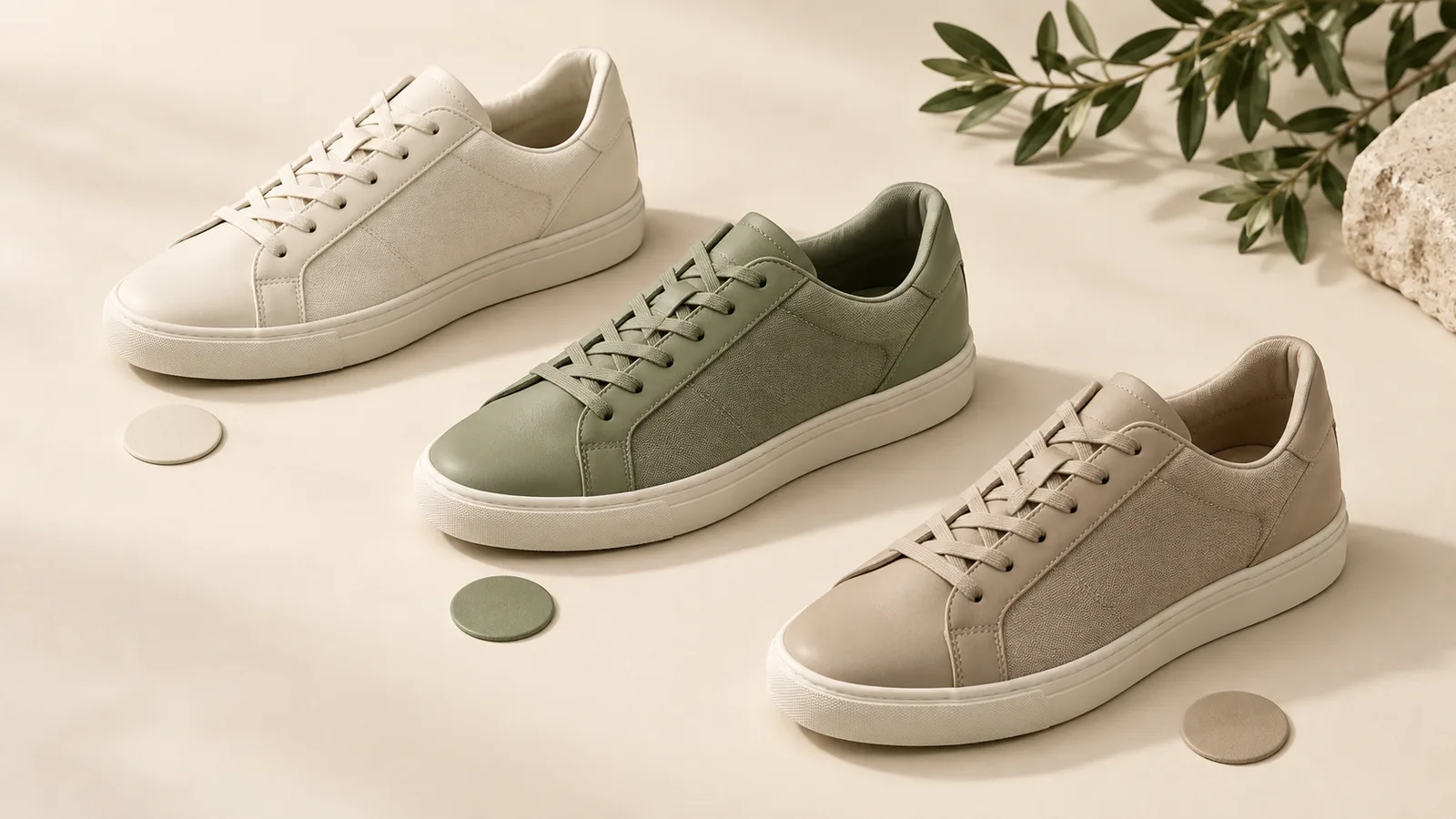
The most common mistake is testing two images that differ in five ways at once — new angle, new lighting, new props, new crop, new color grade. If version B wins, you learn nothing about why, and you cannot apply the lesson to the rest of your catalog. Strong experiments change one meaningful variable:
- Product fill: the same shot cropped so the product occupies noticeably more of the frame.
- Angle: straight-on versus three-quarter view of the identical product.
- Packaging visibility: product alone versus product with its retail box beside it, where policy allows.
- Variant shown: which color or configuration leads as the representative image.
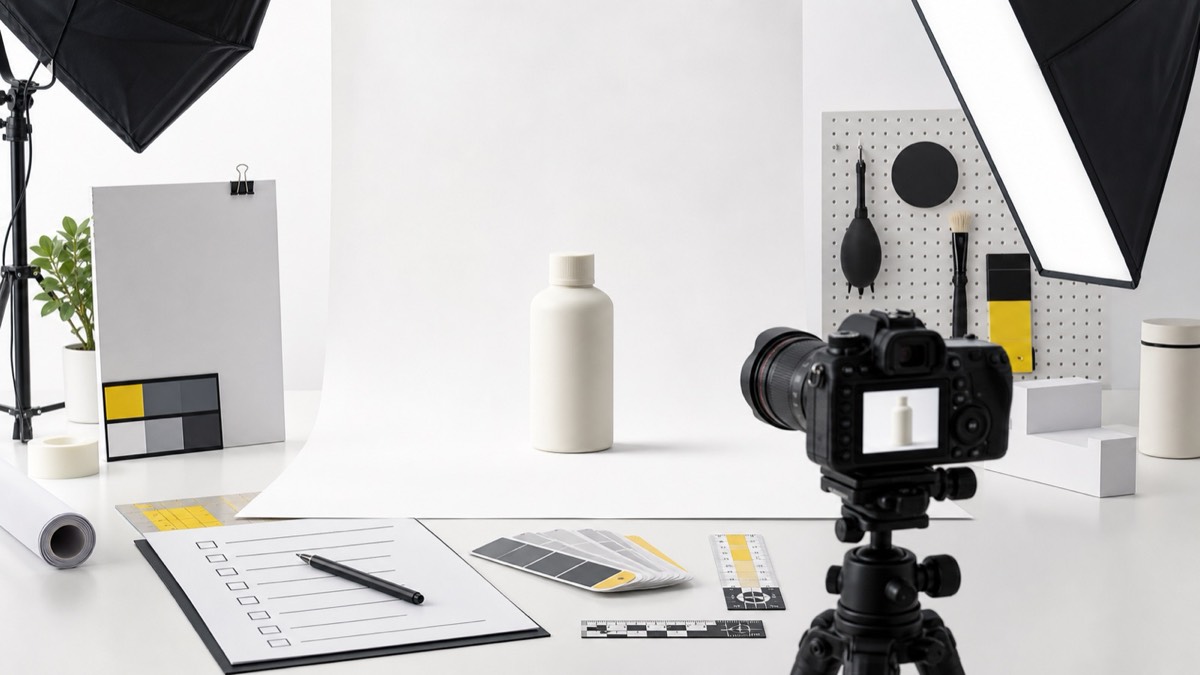
Both versions must remain fully compliant — white background, no text, no props that are not included. A test where version B violates image policy is a test that ends with a suppressed listing during your best traffic weeks.
Reading Results Without Fooling Yourself
Amazon reports a probability that one version outperforms the other, updated as sessions accumulate. Resist the urge to call a winner in week one — early results swing wildly, and a version that leads by a large margin after five days often converges to a tie by week six. Let the experiment run its scheduled course, and treat anything below roughly two-thirds probability as inconclusive rather than as a mandate to change the listing.
Also watch for external contamination: launching a coupon, taking a price change, or running a lightning deal mid-experiment skews the traffic mix. Schedule experiments for stable periods, which is exactly why the weeks before Q4 — not during it — are the right time to test.
A Practical Testing Sequence
For a catalog being optimized from scratch, sequence matters: test the main image first, because it moves both traffic and conversion. Once a main image wins, test the title. Then test A+ Content variations — module order, comparison chart placement, lifestyle density. Each settled test becomes the new control for the next one, and over two or three quarters the listing compounds into something no single redesign would have produced.
Frequently Asked Questions
Who can use Amazon Manage Your Experiments?
Brand-registered sellers whose ASINs meet a minimum traffic threshold. Amazon marks eligible ASINs inside the Manage Your Experiments dashboard in Seller Central — high-traffic listings qualify fastest because the test needs enough sessions to reach statistical significance.
How long should an Amazon image split test run?
Amazon lets you schedule experiments from 4 to 10 weeks. Shorter tests on low-traffic ASINs rarely reach a confident result, so most sellers should plan for at least 6 to 8 weeks and avoid ending tests early based on the first week of data.
What should I test first on an Amazon listing?
The main image, almost always. It affects both click-through rate in search results and conversion on the page, so a winning main image compounds across every keyword you rank for. Title and A+ Content tests come after the main image is settled.
Conclusion
Split testing removes the most expensive word in listing design: "probably." A disciplined MYE program — one variable per test, full-length runs, compliant variants on both sides — converts design effort into measured revenue instead of redesign roulette. If your ASINs qualify, the only real cost of testing is the profit you leave behind by not doing it.