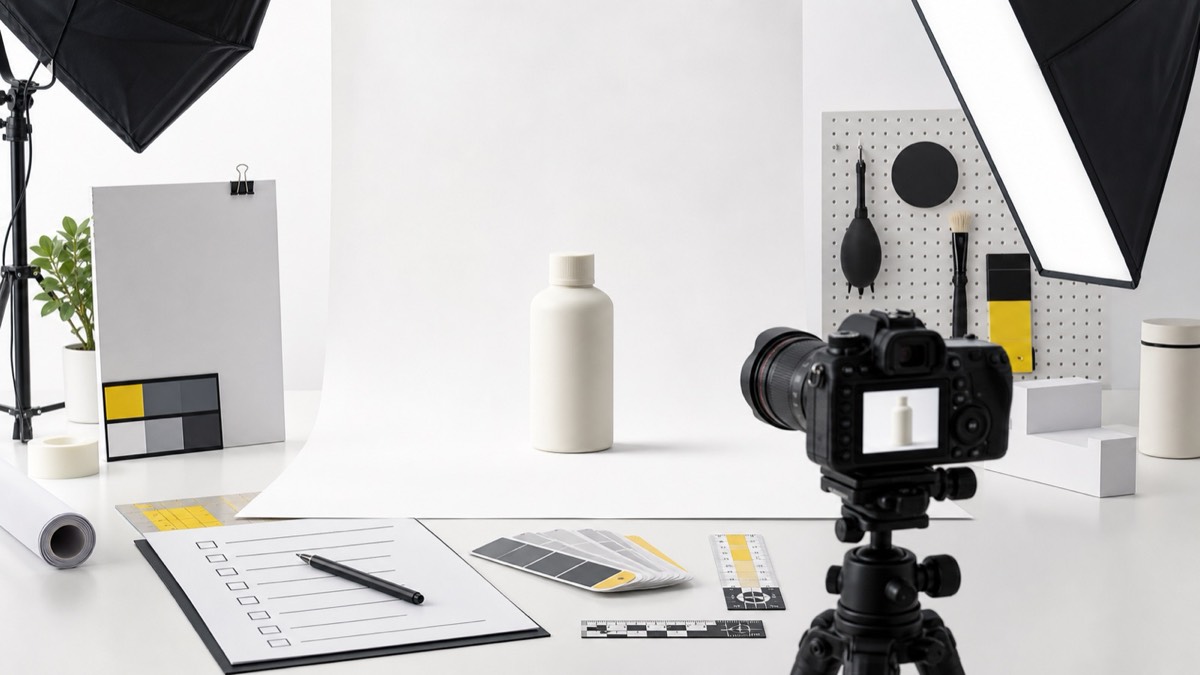
Product photography is the foundation of an Amazon listing. Even the best infographic design becomes weak if the product photo is blurry, badly lit, cropped too tightly, or inconsistent with the actual item. A reliable checklist keeps the shoot organized and gives the designer clean material to turn into main images, side images, A+ Content, and ads.
The goal is not only to make the product look beautiful. The goal is to make it easy to understand. Shoppers need to see what the product is, how big it is, what comes in the box, how it is used, and why it is worth choosing over a competitor.
Prepare the Product Before the Shoot
Start by selecting the best physical sample. Remove dust, scratches, stickers, dents, and packaging damage before any photo is taken. If the product has multiple pieces, organize every accessory and confirm what must be included in the listing images.
Create a simple shot list before the camera comes out. Include front, side, back, detail, packaging, scale, contents, and use-case shots. This saves time and reduces the chance of missing an important angle that becomes expensive to capture later.
Get the Main Image Right
The main image must communicate the product instantly in search results. It should be high-resolution, sharp, evenly lit, and shown on a clean white background. Avoid props, decorative scenes, heavy shadows, or anything that distracts from the item.
The product should fill the frame without being clipped. A small product can look weak in search, while an overly tight crop can feel unprofessional. Aim for a balanced crop that makes the product easy to recognize on both desktop and mobile.
Capture Images for Infographics
Infographics need more than one pretty photo. They need angles that can support feature callouts, dimensions, materials, compatibility, and use instructions. Take close-up shots of textures, buttons, ingredients, labels, seams, handles, attachments, and any feature that matters to the buyer.
Leave negative space around the product in some shots so callouts can be placed cleanly. A designer can always crop tighter, but it is harder to create missing space around an object after the shoot.
Plan Lifestyle Shots With Purpose
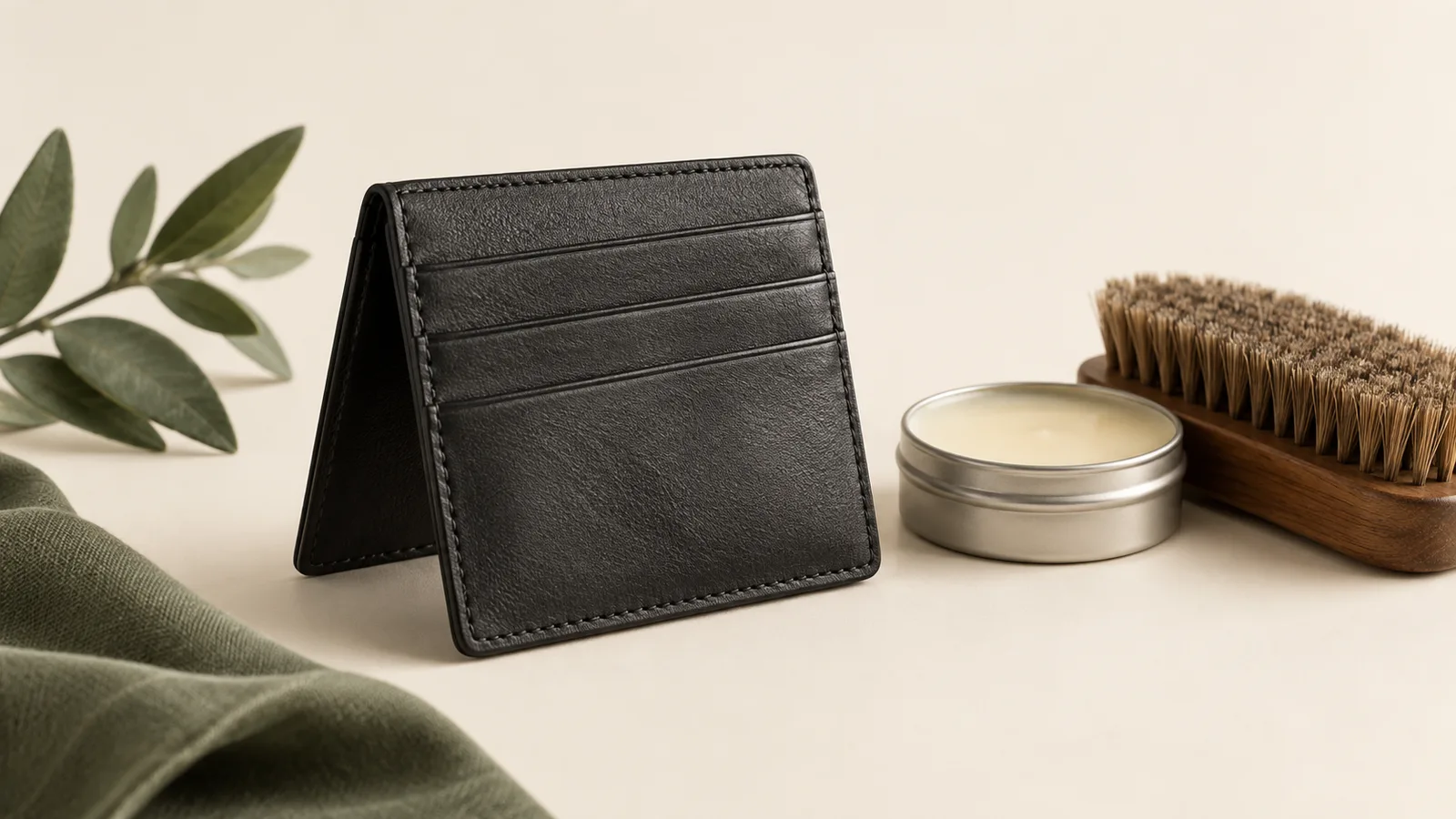
Lifestyle images should show the product in a believable use environment. Do not choose a scene only because it looks premium. Choose a scene that helps the shopper understand the benefit, scale, audience, or occasion.
For example, a kitchen product should show context, hand scale, and ease of use. A skincare product may need clean bathroom or vanity styling. A tool may need process shots. Every lifestyle image should answer a practical buying question.
Frequently Asked Questions
What is the most important Amazon product photo?
The main image is usually the most important because it drives click-through from search results. It should be clear, compliant, high-resolution, and instantly understandable.
Do all Amazon images need a white background?
The main product image typically needs a clean white background, while side images can use infographics, lifestyle scenes, comparison graphics, and benefit-led layouts.
How many product images should I prepare for Amazon?
Prepare enough assets to cover the main image, feature callouts, scale, use cases, contents, trust signals, and brand story. A complete listing often uses six to eight image slots plus A+ Content.
Conclusion
A strong Amazon photo set starts before editing. Prepare the product, build a shot list, capture a compliant main image, collect detail shots for infographics, and plan lifestyle images around buyer questions. When the raw photography is clean, every design asset becomes more persuasive.