
Video is the only listing asset that can show your product doing the thing it was bought to do. A jacket moving on a body, a bag being packed, a gadget being set up in real time — thirty seconds of motion answers questions that would take six static images to approximate. Amazon gives video prime placement in the image gallery and on the mobile page, yet a large share of listings still ship without one, and many that have one waste it on a logo animation. This guide covers the rules, the formats that work, and the production decisions that separate converting video from decoration.
The Requirements That Get Videos Approved
Listing video upload is a Brand Registry benefit, managed through the Upload & Manage Videos section of Seller Central. The technical bar is modest: MP4 or MOV files, 1280×720 minimum resolution with 1920×1080 recommended, and a thumbnail image that follows the same content standards as listing images.
The content rules reject more videos than the technical specs do. A listing video must not contain external URLs or contact details, pricing, discount codes, or promotion language, time-sensitive claims, competitor references or comparisons against named brands, or health claims the product cannot substantiate. The safest mental model: everything shown or said must remain true for any shopper, in any region, at any time the listing is live.
Four Video Types, and When Each Earns Its Slot
- Demonstration: the product in use, solving its problem in real time. The highest-converting format for anything with a "how does it actually work?" objection — tools, kitchen gear, electronics, anything assembled or adjusted.
- Scale and detail: the product in hands, worn, or beside familiar objects, with close passes over materials and construction. This is the format that kills size-surprise returns, and it matters double for leather goods and apparel where texture is the purchase.
- Explainer: on-screen text and graphics walking through features and setup. Strongest for products with a learning curve, where reducing perceived effort is the sale.
- Brand story: founder, workshop, values. Rarely the right choice for the listing slot — it warms an audience that is already convinced — but strong on the Storefront and in Sponsored Brands video placements.
Production Choices That Decide Conversion
The first three seconds are the video. Autoplay previews and impatient thumbs mean the product and its core benefit must be on screen immediately — no logo intro, no title card, no establishing shot of a kitchen.
Design for silence. Most shoppers watch muted, especially on mobile. Every key claim needs on-screen text, and the video must make complete sense with the sound off; audio is reinforcement, never the carrier.
Keep it under a minute. Thirty to sixty seconds covers a demonstration arc without losing the viewer. If the product genuinely needs three minutes, that is a sign to make two videos — a listing cut and a Storefront cut — not one long one.
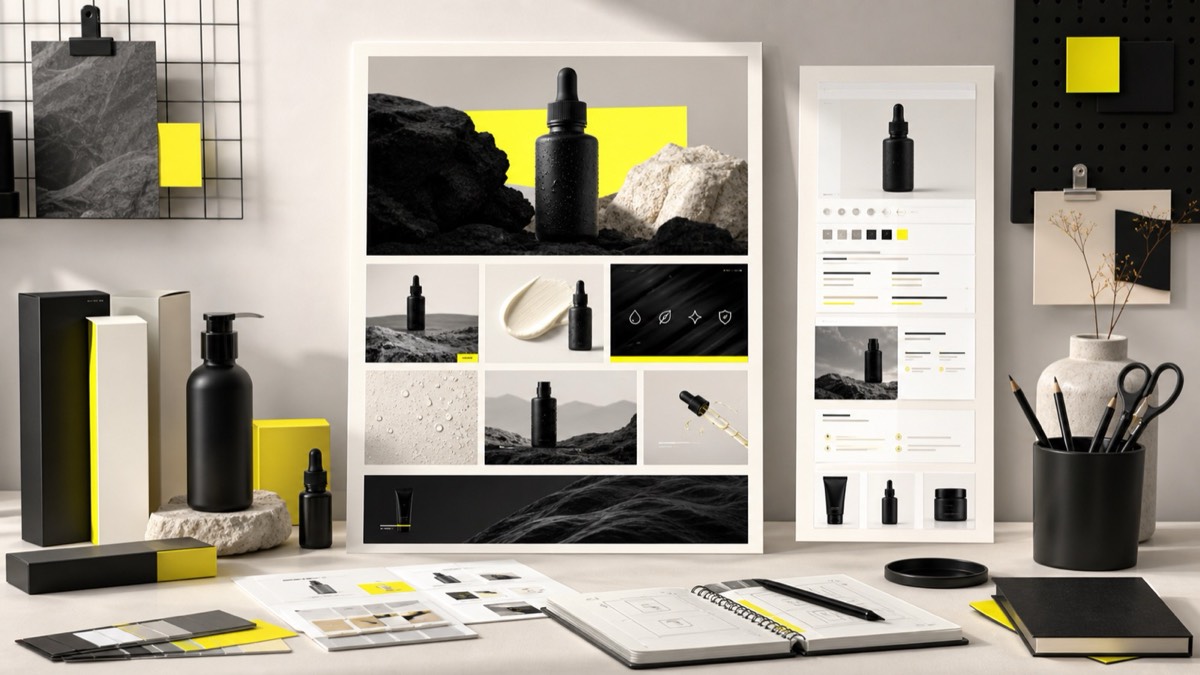
Match the visual system. The video thumbnail sits inside your image gallery, and the footage plays between your infographics and A+ modules. Same styling, same color world, same typography for captions. A video that looks like it came from a different brand quietly undermines the trust the rest of the listing built.
Measuring Whether It Works
Video performance shows up indirectly: watch unit session percentage in Seller Central before and after the video goes live, and read new reviews and returns for the objections the video was built to remove. If size-related returns drop after a scale-and-detail video ships, the video is doing its job even if no dashboard says so directly. For brands running Sponsored Brands video, the ad metrics offer a cleaner read on which footage holds attention — lessons that feed straight back into the listing cut.
Frequently Asked Questions
What are Amazon's product video requirements?
Videos must be uploaded by brand-registered sellers, in common formats like MP4 or MOV, at 1280×720 resolution or higher (1920×1080 recommended). Content rules mirror image policy: no external URLs, no pricing or promotion claims, no competitor references, and nothing that misrepresents the product.
Do Amazon listing videos actually increase conversion?
Video helps most on products that need demonstration — anything where "how it works," size in real hands, or setup effort drives hesitation. For simple commodity products, a strong image stack often communicates everything a video would, so test rather than assume.
How long should an Amazon product video be?
Between 30 and 60 seconds for most listings, with the product and key benefit visible in the first 3 seconds. Most viewers watch muted, so on-screen text captions are required in practice, and the video should still make sense with no audio at all.
Conclusion
A listing video is not mandatory, and a bad one — slow open, muted-incomprehensible, off-brand — spends its premium placement making the listing feel weaker. But for any product where motion, scale, or setup drives hesitation, a compliant sub-minute demonstration video is among the highest-leverage assets you can add to an already-strong image stack. Build it silent-first, product-first, and on-brand, and the gallery's last slot becomes its hardest-working one.