Three years ago, AI-generated imagery was a novelty. In 2026, it is a production tool used by professional Amazon designers on a daily basis. The workflow has not changed: the standard for what a great Amazon image looks like is higher than ever. What has changed is how fast andat what cost that standard can be reached.
This article covers how AI is being used in Amazon product photography today, which tasks it is genuinely useful for, where its limits are, and why the designer's judgement remains the real competitive edge.
What AI Can Do in 2026 for Product Photography
Lifestyle Background Generation
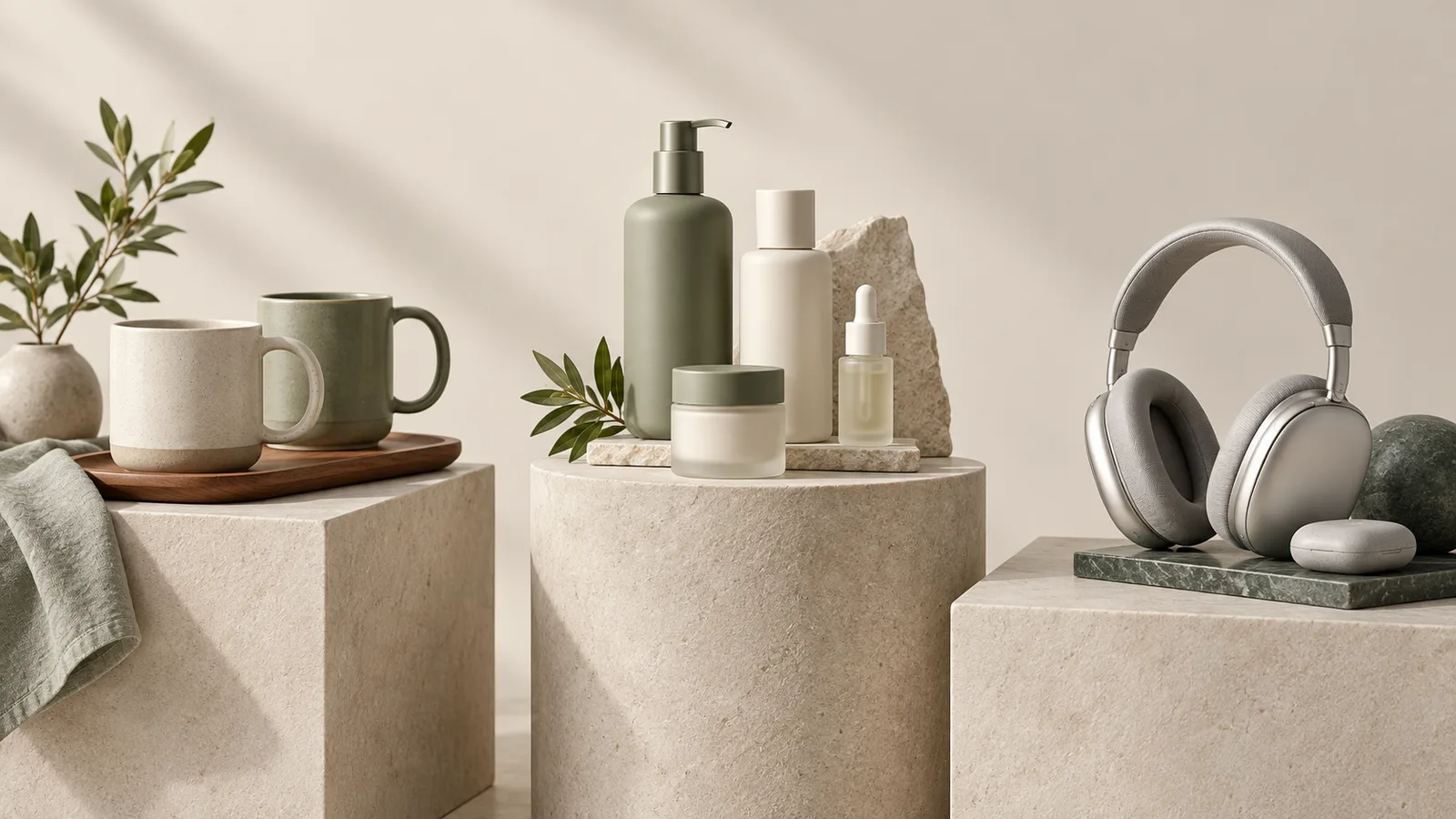
The most common use. Instead of renting a studio and setting up a physical scene, designers generate a photorealistic lifestyle environment — a kitchen counter, a bedroom shelf, an outdoor trail — and composite the actual product into it using Photoshop. The background is AI; the product is real. The result is indistinguishable from a studio lifestyle shoot at a fraction of the cost and time.
Prop Generation and Compositing
Need a pair of sneakers behind a shoe care spray? A coffee mug beside a desk organizer? A sunhat near a sunscreen? AI generates contextually relevant props that establish the use case without requiring props to be sourced and styled in a physical studio. Compositing precision in Photoshop ties everything together.
Color Variant Generation
A product sold in six colors previously required six separate photoshoots. With AI-assisted color adjustment and surface regeneration, a single product shot can be adapted to generate accurate color variants without reshooting — particularly effective for fabric, powder-coated metal, and glossy plastic products.
Background Removal and Cleanup
AI background removal has improved dramatically. Modern tools handle complex silhouettes — jewelry chains, wispy hair, fine mesh fabric, fringe — that previously required hours of manual masking. The result is not always perfect, but it provides an 80–90% accurate starting point that Photoshop finishing can bring to professional standard.
Image Upscaling and Restoration
Low-resolution product shots from manufacturers can be upscaled with AI tools to meet Amazon's minimum resolution requirements while recovering sharpness and detail that simple bicubic resampling cannot produce.
What AI Cannot Do (The Limits That Still Matter)
Accuracy for Main Images
Amazon's main image must accurately represent the physical product. AI-generated main images risk generating incorrect colors, missing details, inaccurate dimensions, or invented features. A main image that misrepresents the product leads to returns, negative reviews, and potential listing suppression. For main images, a real product photo is still essential.
Fine Detail Preservation
Labels, fine print, ingredient lists, certification logos, serial numbers, and legal text must be readable and accurate. AI generations hallucinate text and distort fine detail systematically. Any image where text accuracy matters must start with a real photograph.
Consistent Brand Identity
AI-generated environments vary in style, tone, and light in ways that are hard to control precisely. For brands with strict visual guidelines — specific color temperatures, defined surface textures, mandated props — maintaining consistency across an image set requires designer judgement and Photoshop control that AI generation alone cannot provide.
The Real Edge: Knowing What to Use AI For
The sellers who benefit most from AI in product photography are not the ones who use it for everything — they are the ones who use it for exactly the right tasks. Background generation for lifestyle scenes: yes. Main image creation from scratch: no. Prop concepts for A/B testing: yes. Label text rendering for infographics: no.
The underlying design knowledge has not changed. Understanding Amazon's image policies, buyer psychology, CTR optimization, and what makes a product look premium versus cheap — these are not AI skills. They are design skills that AI accelerates, not replaces.
How to Integrate AI Into Your Amazon Image Workflow
- Start with a real product photo — clean, well-lit, against a neutral background
- Use AI for background removal — then refine edges manually in Photoshop
- Generate lifestyle backgrounds or props with AI — use Midjourney, DALL-E, or Adobe Firefly with specific prompt engineering for brand-appropriate results
- Composite in Photoshop — match lighting, shadows, perspective, and color temperature between product and generated background
- Apply final quality control — zoom to 100% and check every element for AI artifacts, blurred text, or color drift
- Verify Amazon compliance — confirm the final image accurately represents the product in every visible aspect
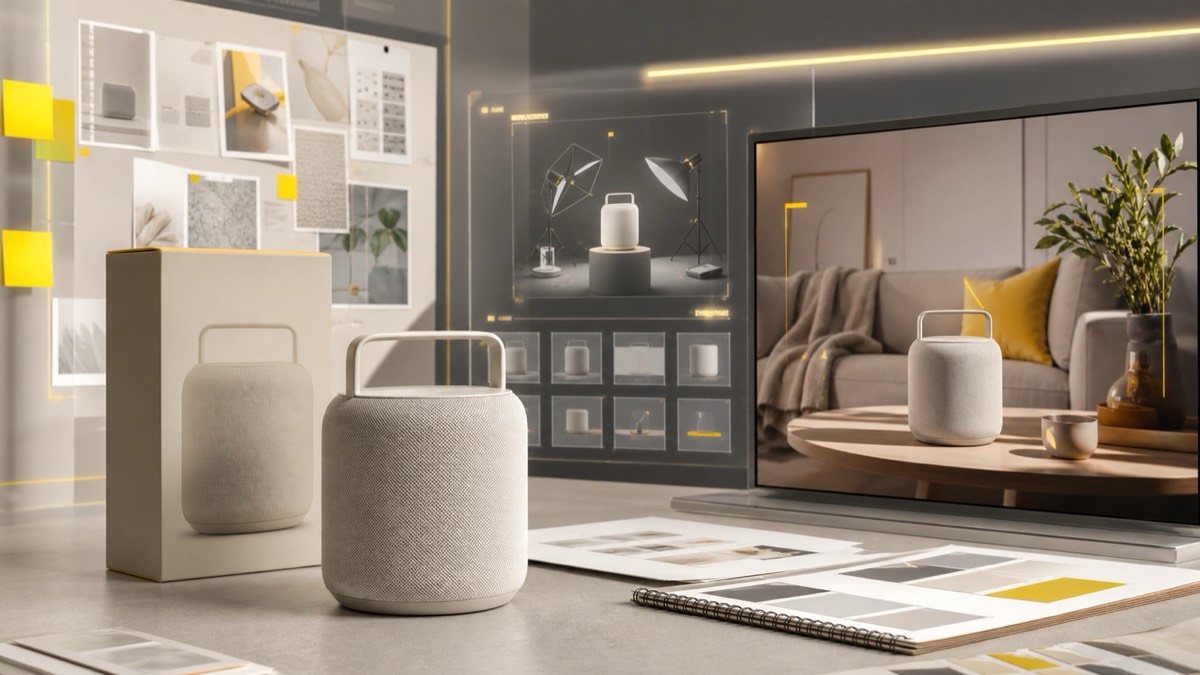
The workflow is faster than a studio shoot. The cost is lower. The flexibility is higher. But the standard — product accuracy, visual quality, brand consistency — remains the same. AI is a better tool in skilled hands. In unskilled hands, it produces professional-looking images with amateur-level problems that show up in returns data.